Spaze Storage

Keep it. Share it. Get it back.

Lockers for belongings, deliveries, shopping and shared equipment. Explore current flows and custom solution designs.

What will your space do?

Store belongings, receive deliveries, sell products, or lend EV chargers. Explore the journey and setup behind each solution.

On this page

For your own belongings.

Office storage Solution design
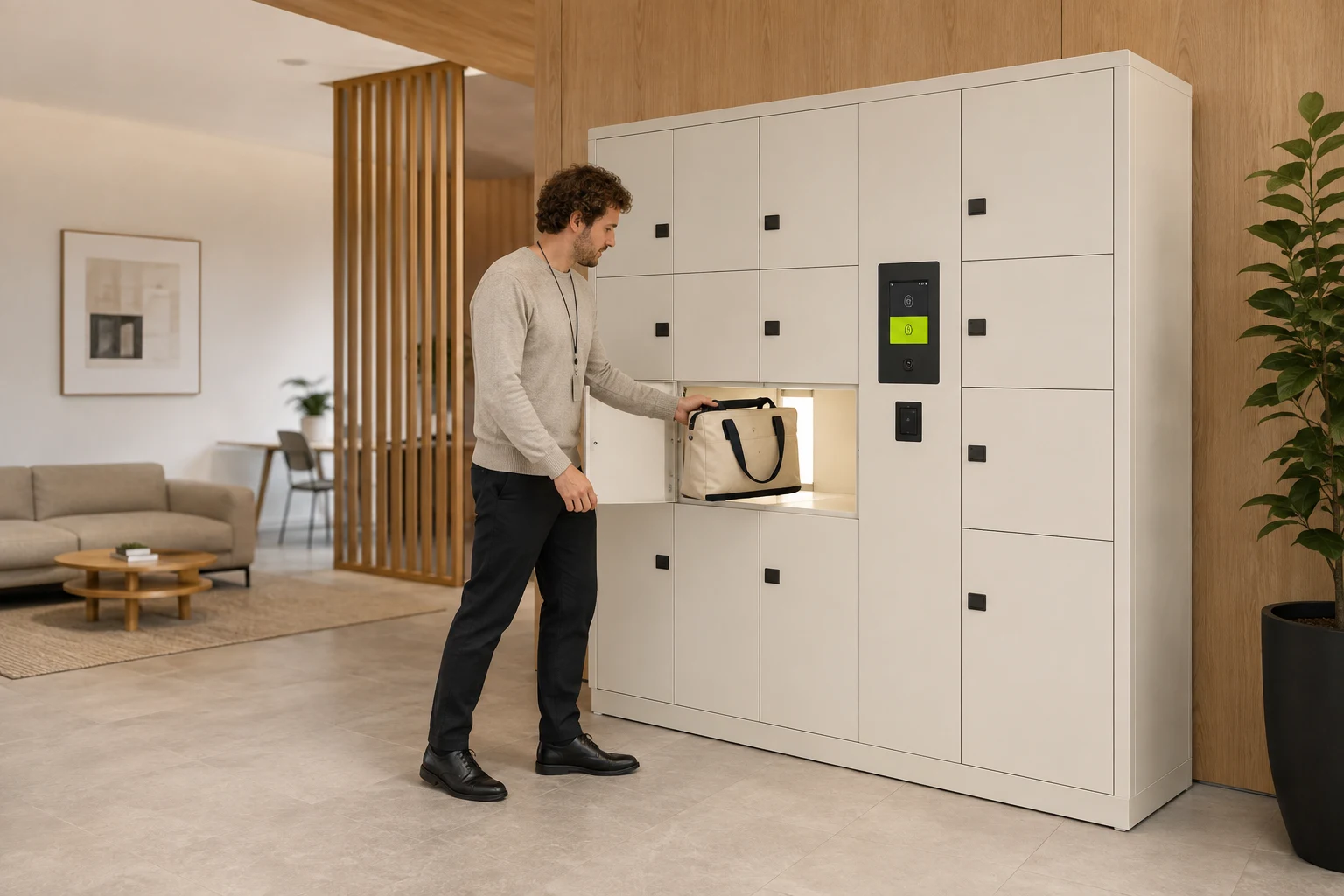
An employee placing their work bag into a personal locker in an office arrival area
  1. Employee signs in

    A registered personal credential identifies the employee.

  2. Store in their locker

    Only their own active assignment permits drop-off.

  3. The same person collects

    No colleague access and no shared rider code.

Before rollout Requires identity-to-booking authorisation. The current code-only kiosk does not enforce employee ownership.

Setup guide
A handoff, without the wait.

Food & parcel delivery Solution design

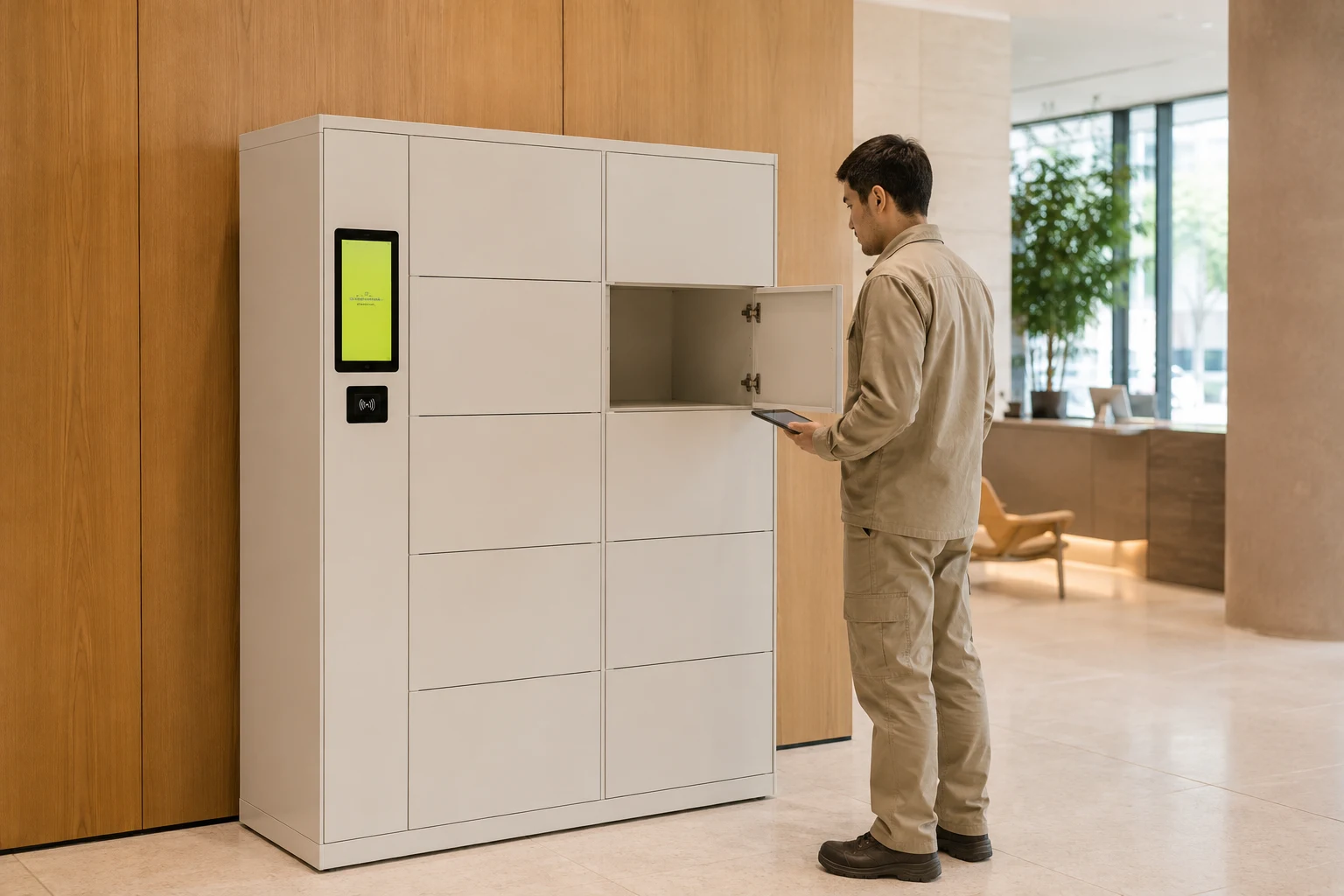
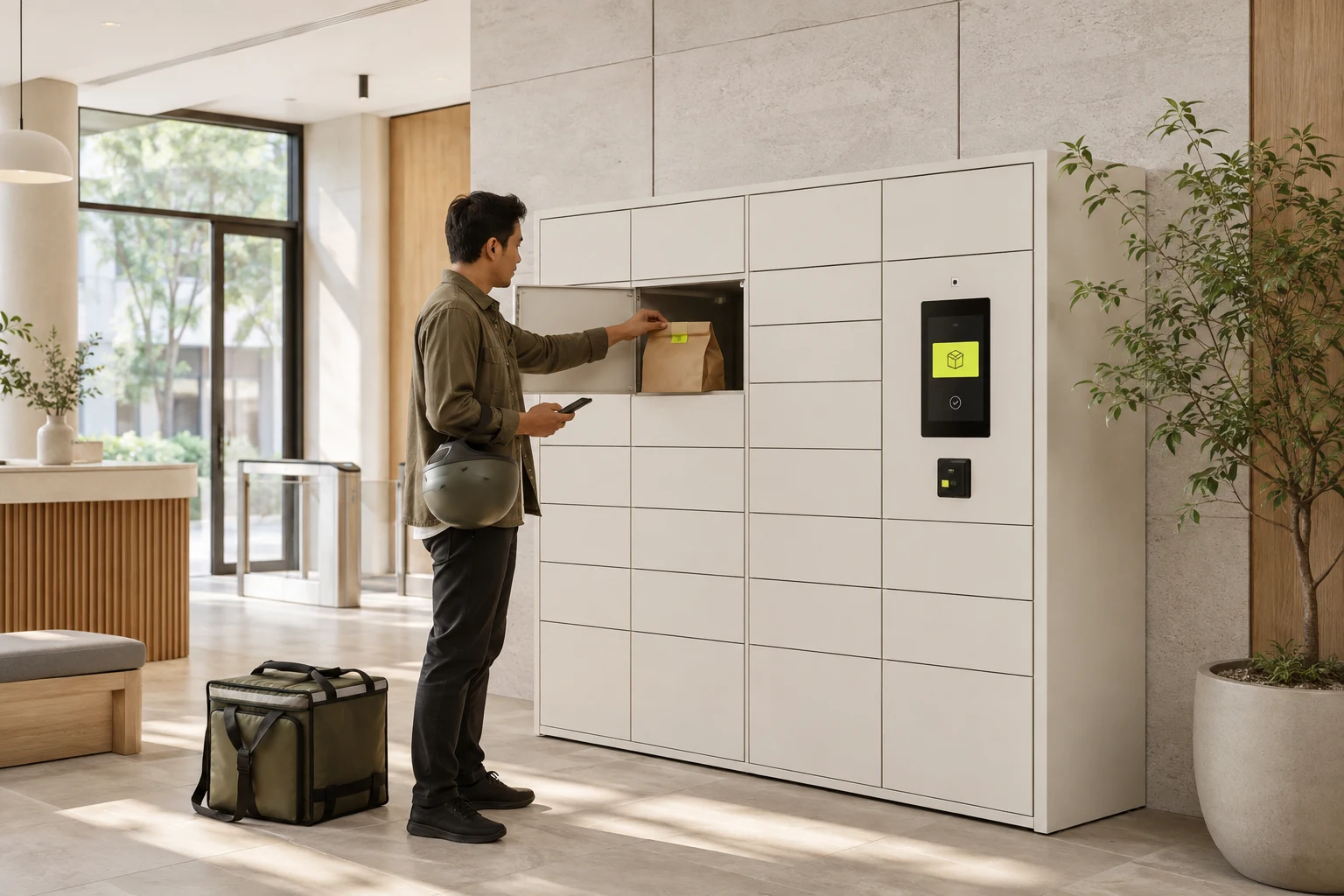
A delivery rider depositing a sealed food bag into a workplace locker
  1. Recipient books

    Share only the booking’s drop-off access code.

  2. Rider deposits

    Open the assigned locker once, deposit, and close.

  3. Recipient collects

    Use the pick-up code or a linked personal authenticator.

Before rollout Requires drop-off code lockout after deposit and personal-authenticator integration. Without lockout, a drop-off code can reopen the door.

Setup guide

Stock it. Shop it. Pick it up.

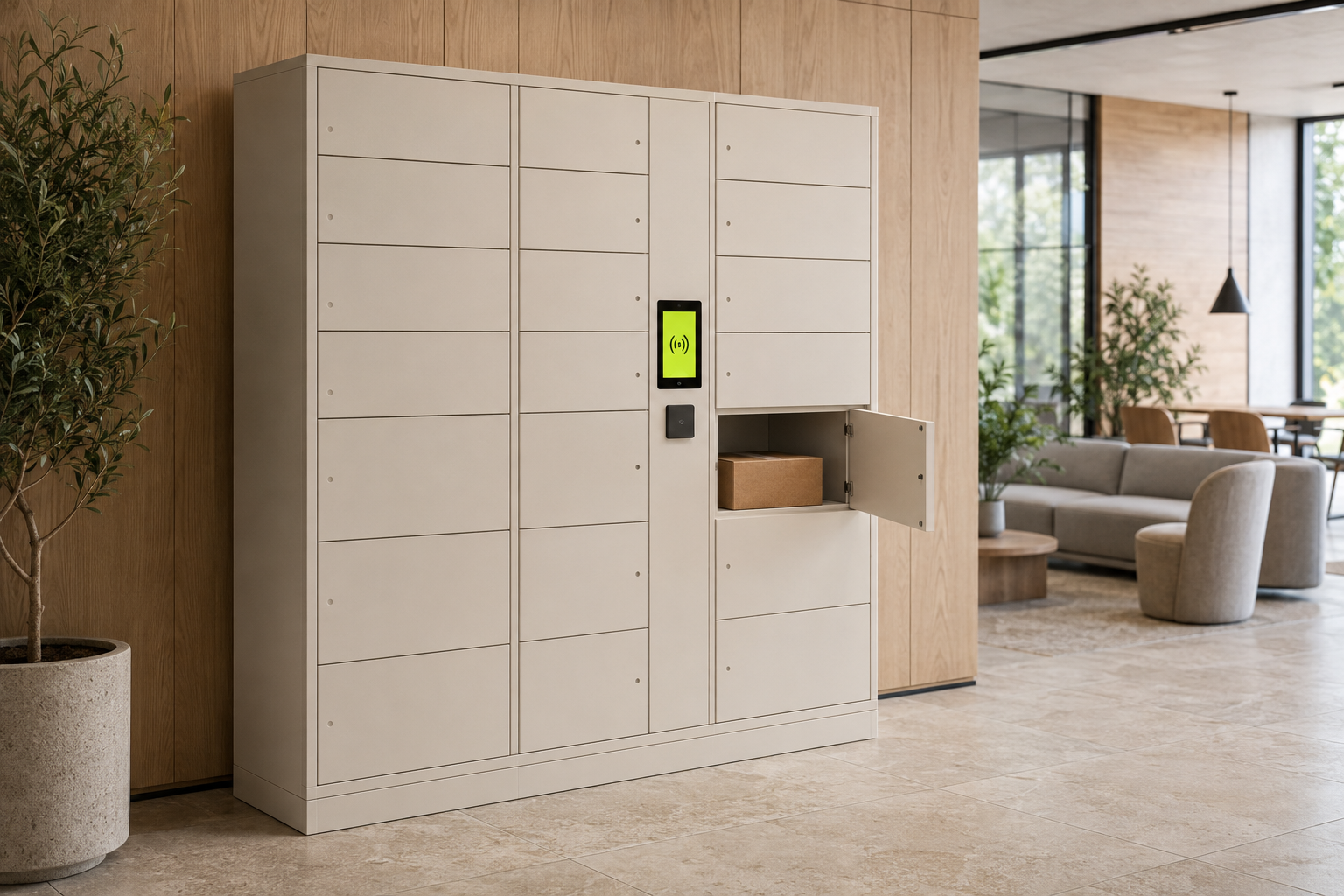
Storage kiosk shopping Current retail flow

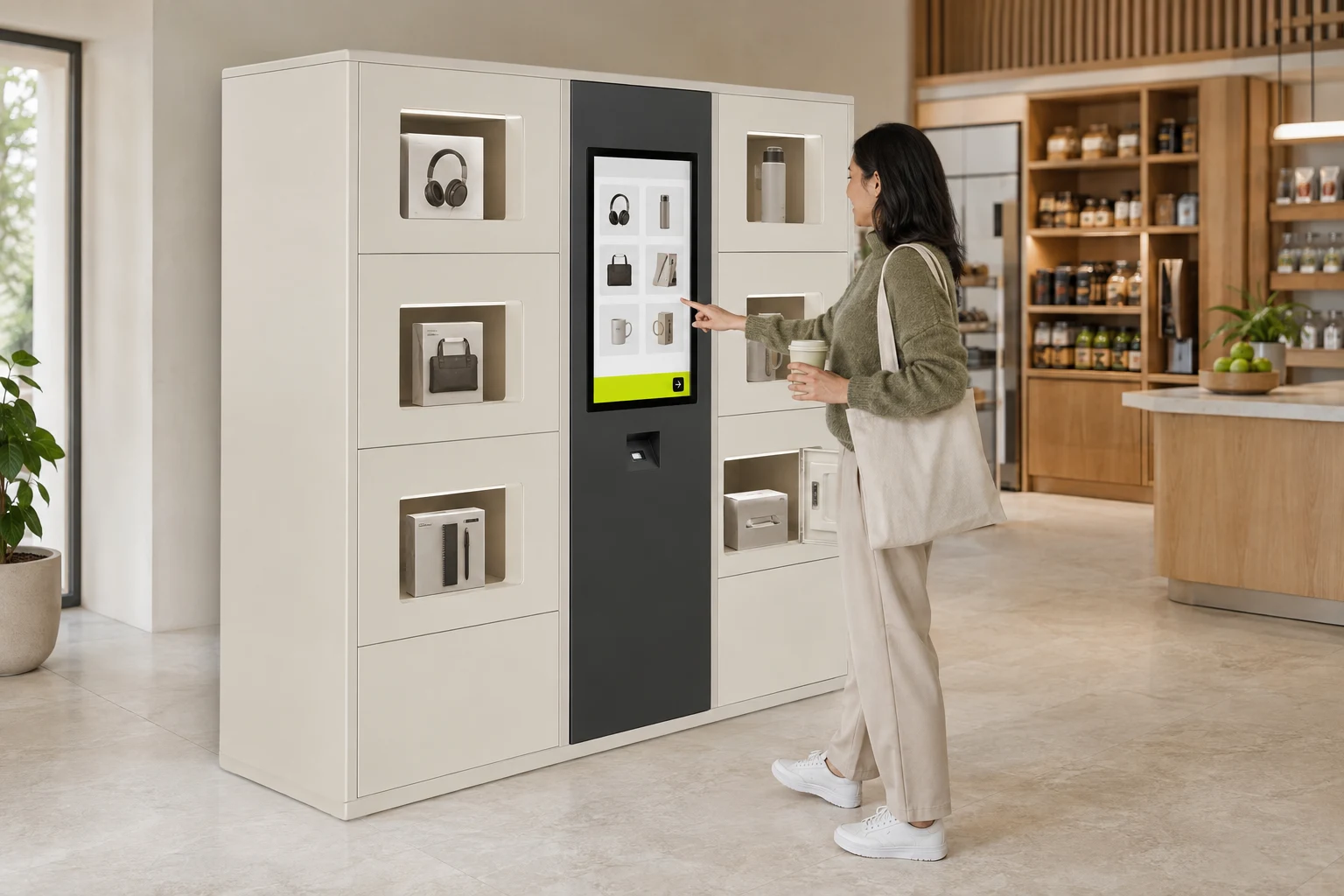
A customer shopping at a locker kiosk with individual products in separate compartments
  1. Operator stocks a product

    Link the product and price, then place it in its assigned compartment.

  2. Customer shops the kiosk

    Browse available products, add to the cart, and pay.

  3. Collect the purchase

    After payment confirmation, the kiosk sends the compartment-open command.

Before rollout Use one sale unit per compartment: opening it exposes all its contents. Verify payment and physical collection. Staff access still needs protection.

Setup guide

A charger when you need it.

EV charger borrowing Solution design

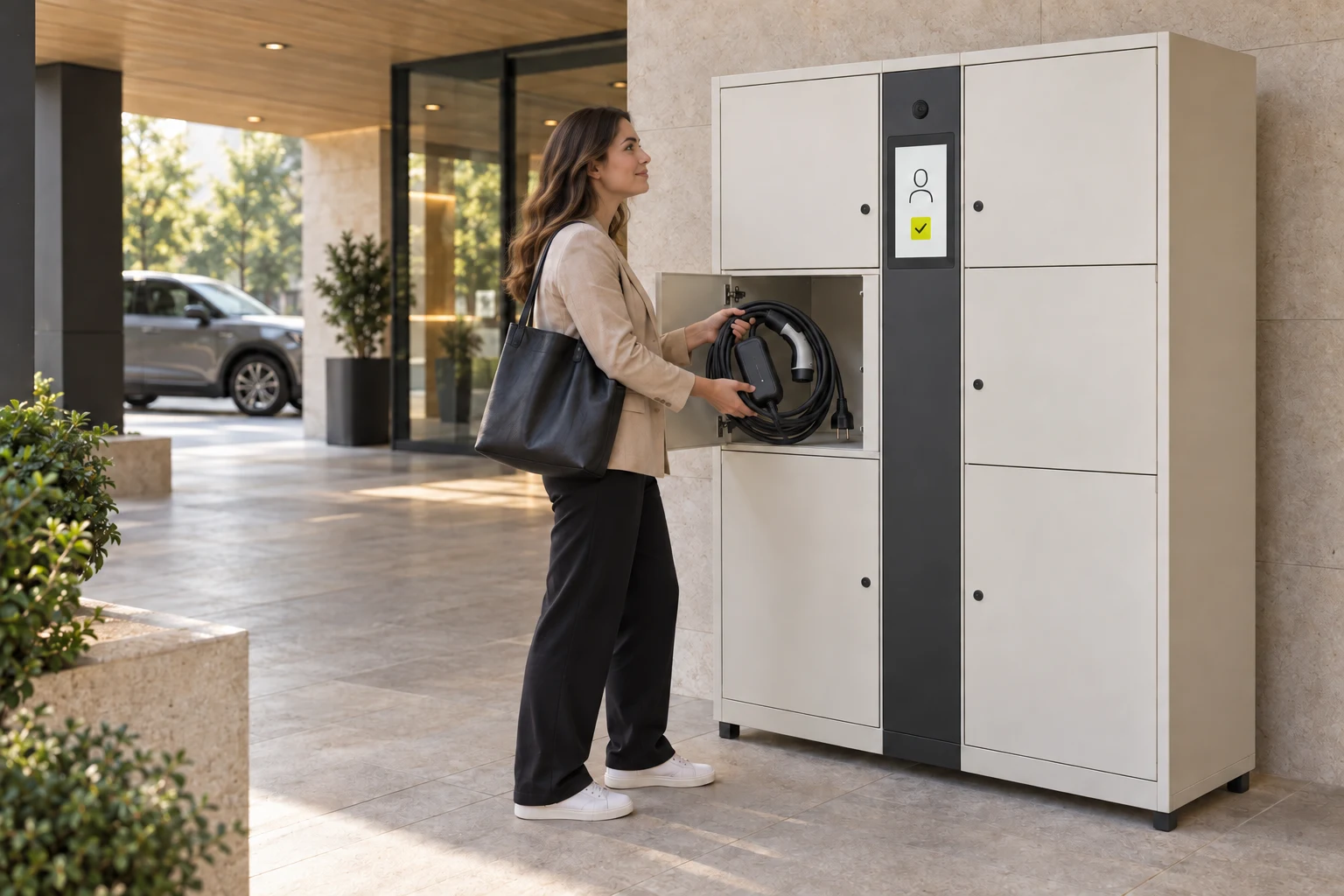
A driver collecting a portable EV charger from an open storage compartment beside a face-verification terminal
  1. Verify and unlock

    Verify your face to open the compartment linked to your booking.

  2. Take it and use it

    Take the EV charger out of storage and use it at a compatible charging location.

  3. Verify again to return

    Return to Storage and verify your face again to reopen your booked compartment.

  4. Return it. Finish your booking.

    Put the charger back and close the door. Complete the booking after the return is confirmed.

Before rollout Face-based collection, return checks, and equipment-loan completion require integration. A face match or door-open command alone is not proof the charger was returned.

Setup guide

One policy. Different ways in.

Every method must resolve to the same checks: the person or code, the booking, the compartment, and the allowed action.

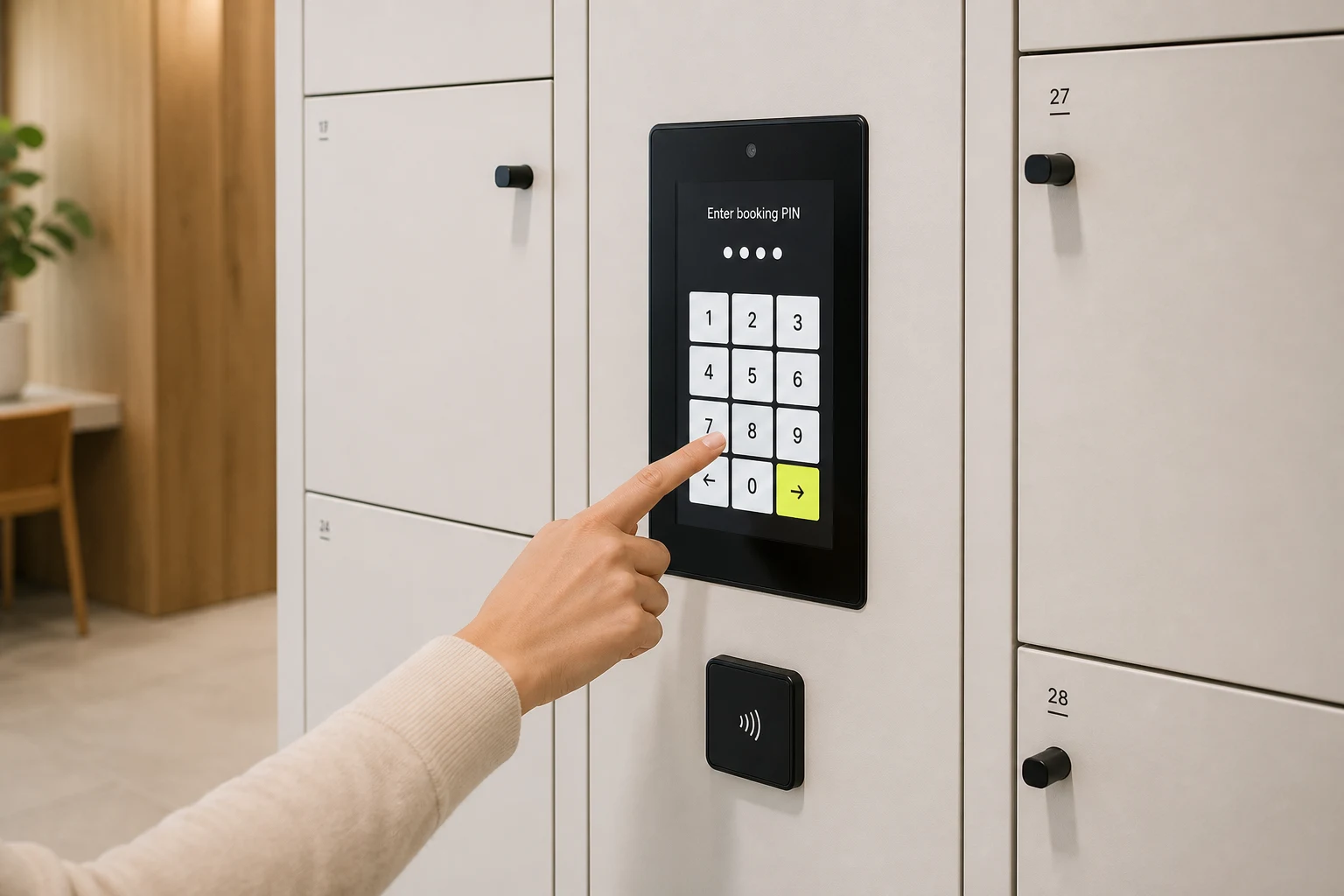
Booking access codeCurrent kiosk flow
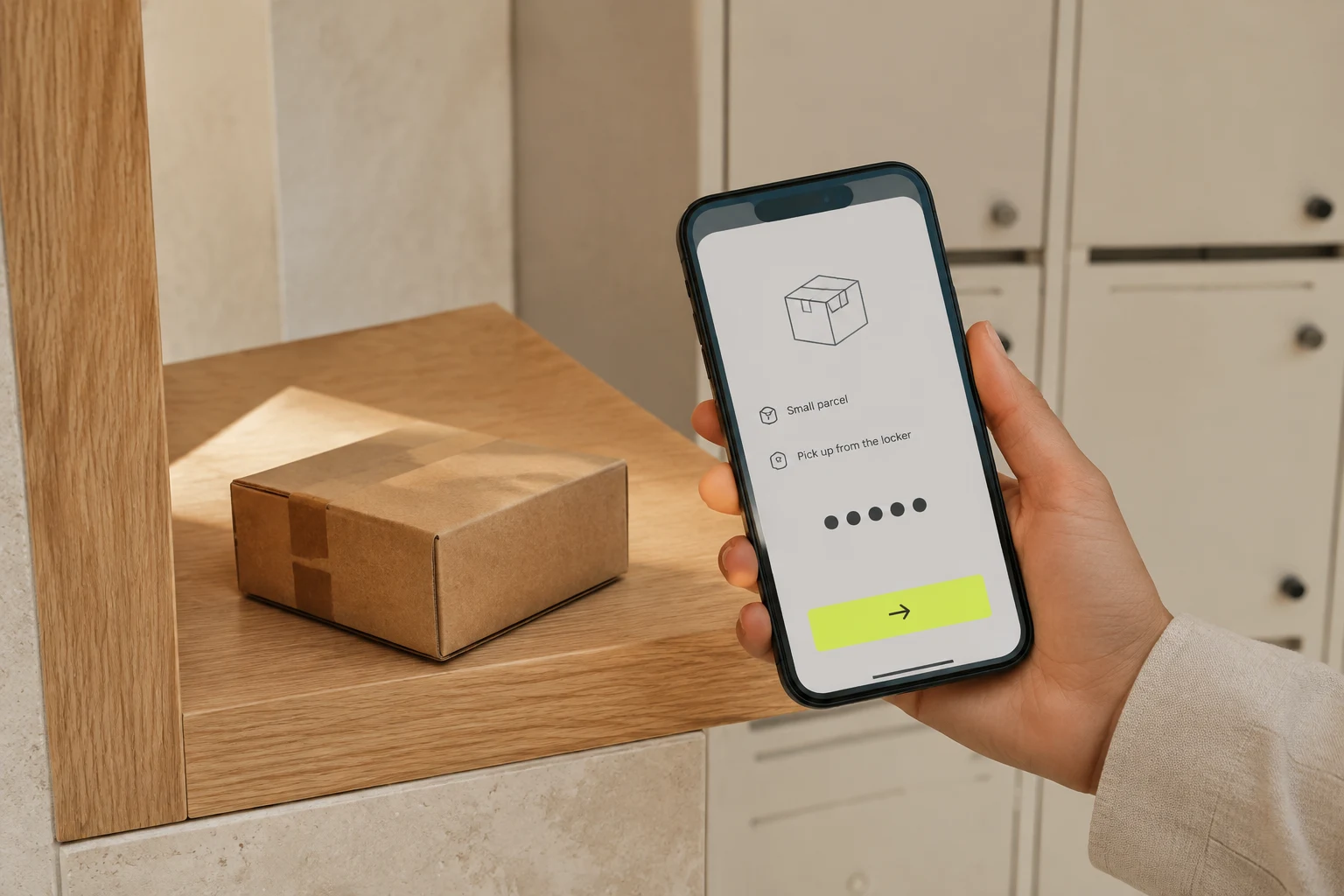
Six digits for a booking action. A drop-off code is not yet single-use.
FaceIntegration needed
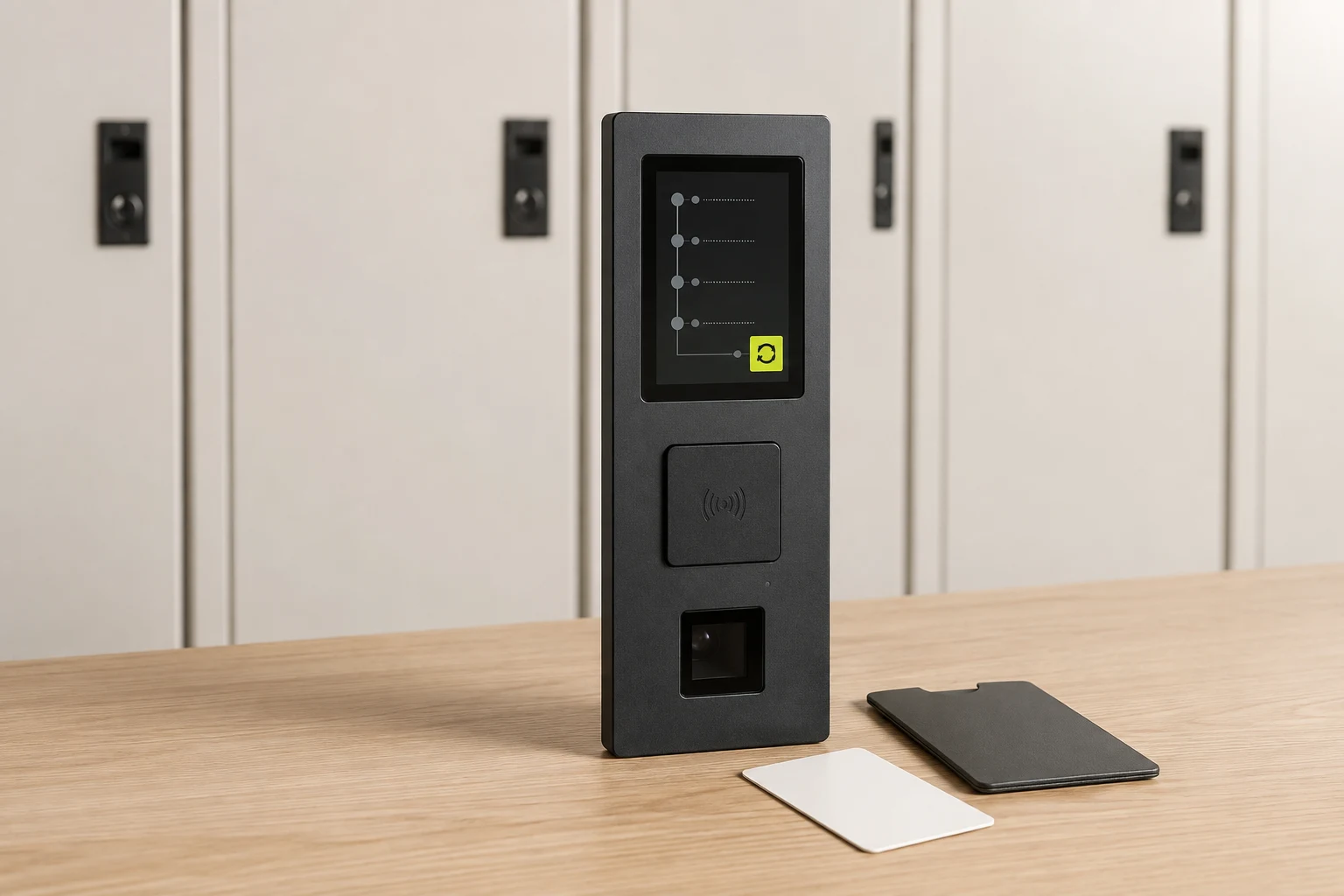
Match an enrolled face to the booking. Charger borrowing needs verification at collection and again at return.
QRIntegration needed
Decide whether the scan identifies a booking code or a person. Reader tests alone do not grant access.
Card · MIFARE / NFCIntegration needed
Match card technology, reader protocol, and registered identity. NFC is not a guarantee for every card or phone.
Phone + passcodeIntegration needed
Connect account verification to booking ownership. A personal passcode is not the booking code.
Email + passwordIntegration needed
Connect account sign-in to the permitted compartment and action; signing in alone must not open a door.
Access methods & requirements

From setup to daily care.

Setup guides for your kiosk, access methods and day-to-day care.

Make it yours.

Your brand. Your layout. Your way in. Shape your kiosk and try the customer journey in Storage Studio.

Open Storage Studio

Interactive demo. Sample bookings, no live devices or payments.

Take a look inside