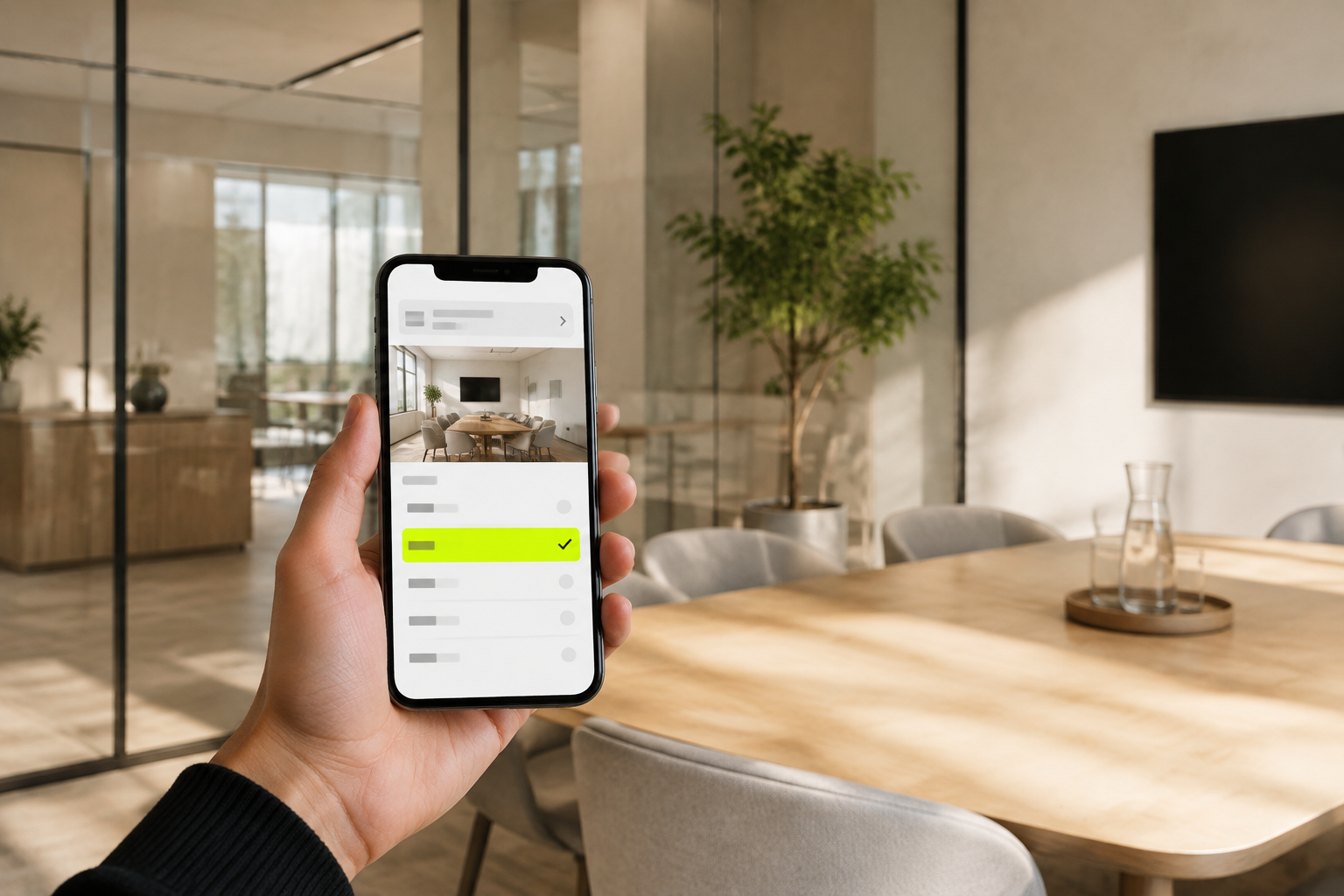
People, access, spaces, and bookings come first.
Set those fundamentals before exposing tools that depend on the operating model around them.
Run the place from one view.
Manage people, access, spaces and bookings. Choose the tools your team needs.
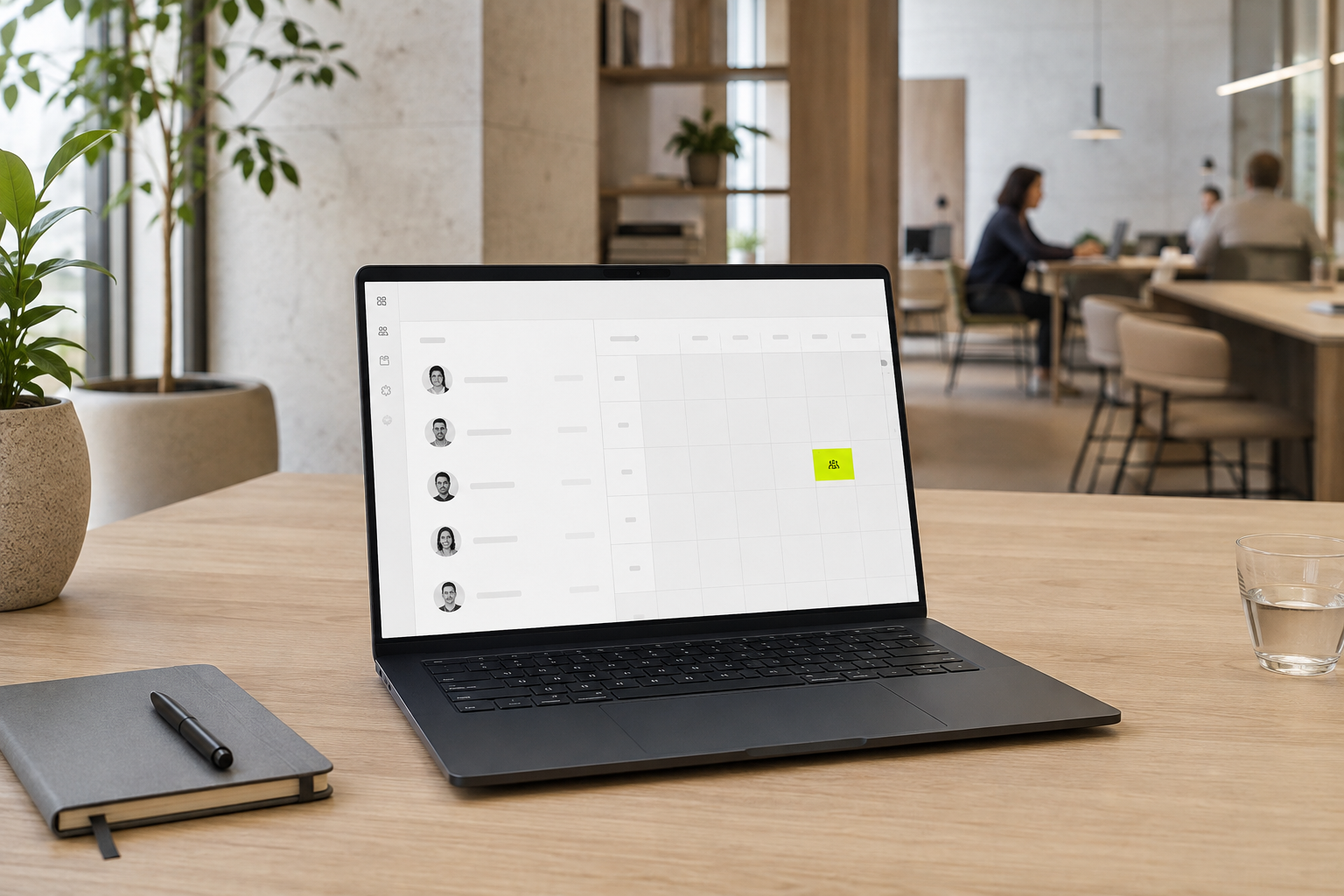
Manage people, spaces and bookings. Enable the tools that fit your operation.
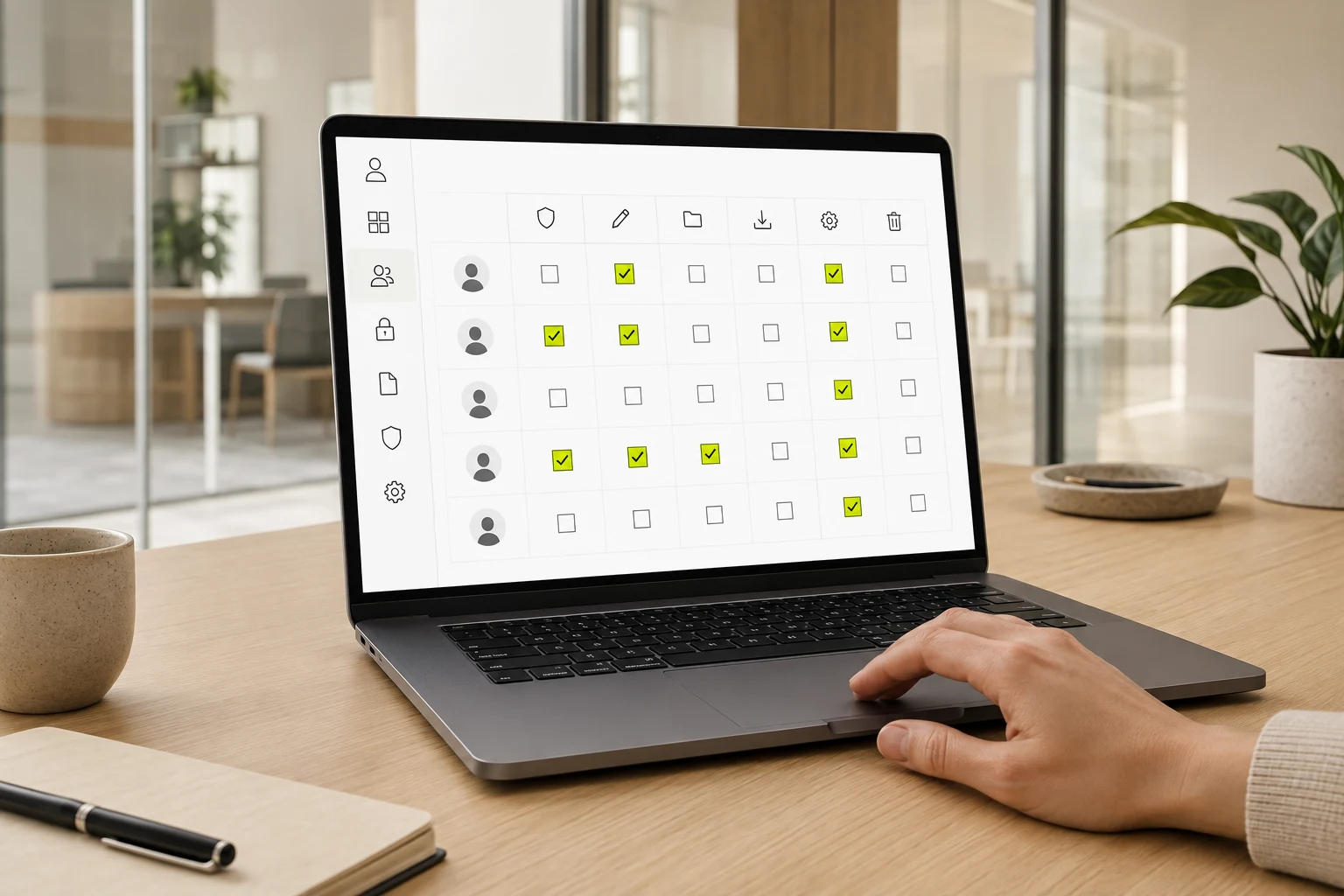
Shape people, roles, and access rules before the experience reaches a door or device.
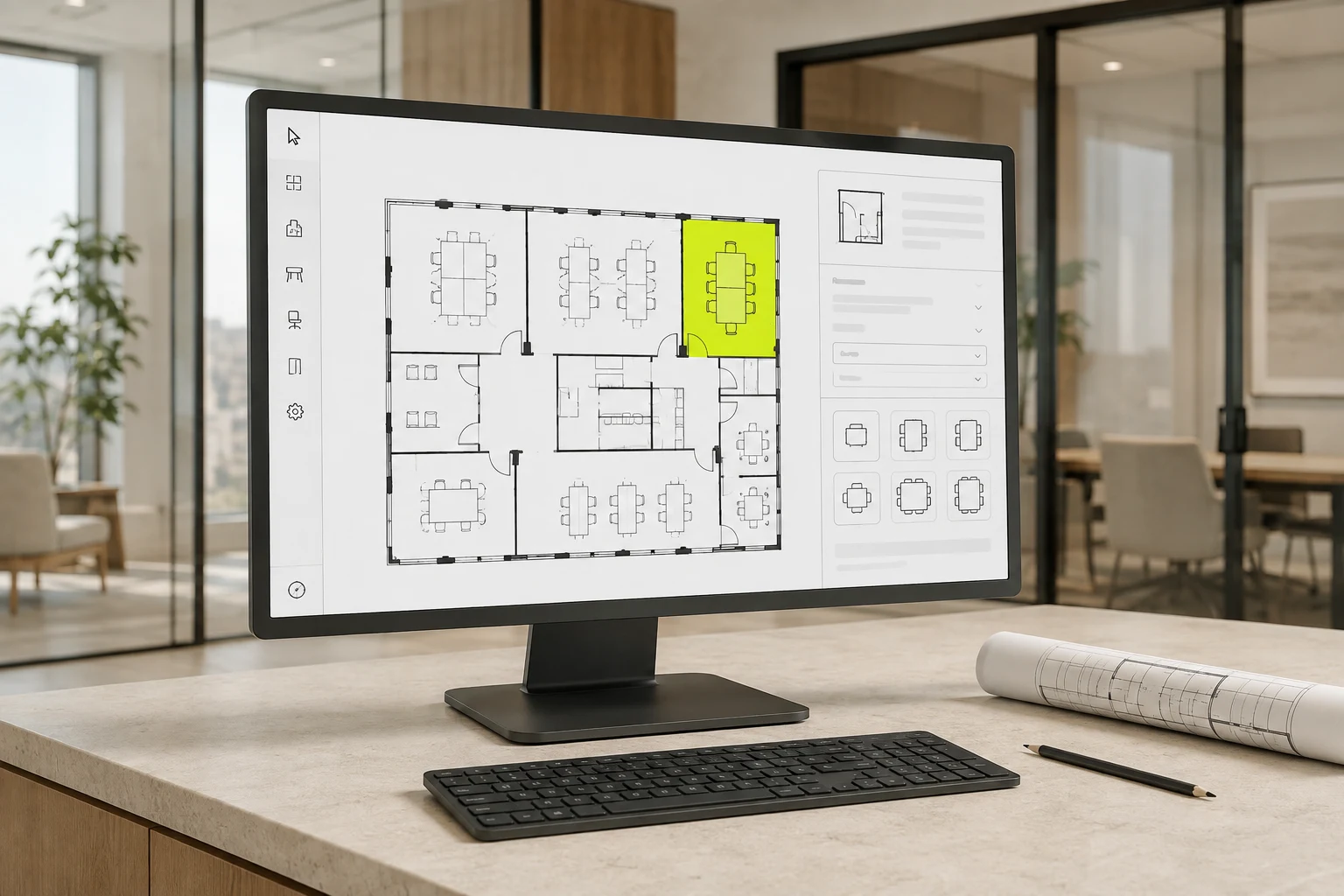
Model the rooms, floors, services, and booking context people need to understand.
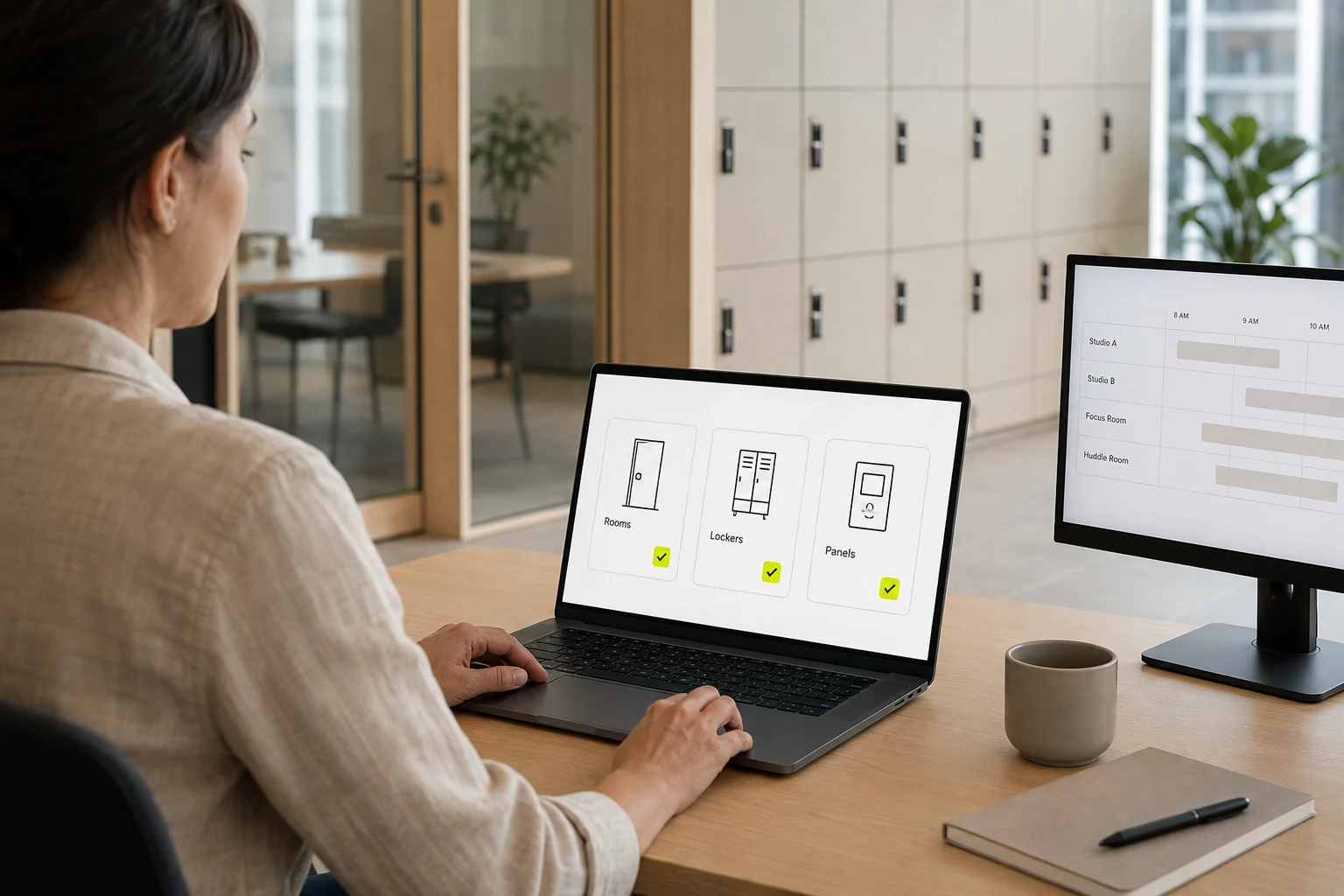
Review the activity behind your App, Storage and Signage experiences.
1
Manage roles, groups, people, invitations, cards, and access devices for those who use and operate the place.
Permissions determine who can see and shape the operation.
2
Configure spaces, facilities, services, availability, capacity, booking fields, and booking lifecycle states.
A coherent booking catalogue gives downstream experiences a clear purpose.
3
Use configured service and locker evidence to understand the activity the project has chosen to collect.
Read configured data as evidence, not as a claim for modules the project does not provide.
This keeps the system legible to the people who depend on it.
Set those fundamentals before exposing tools that depend on the operating model around them.
Reservations, parcels, devices, content, community, and support are enabled to suit the operation.