
Spaze App
Your building. In your pocket.
Content, access and the services your people need. Shaped for your building, on iOS and Android.
Everyday essentials.
One familiar App.
Browse the features your building can bring together.
Keyspace is the previous Spaze name. Screens show sample content, prices and readings.
Your building home
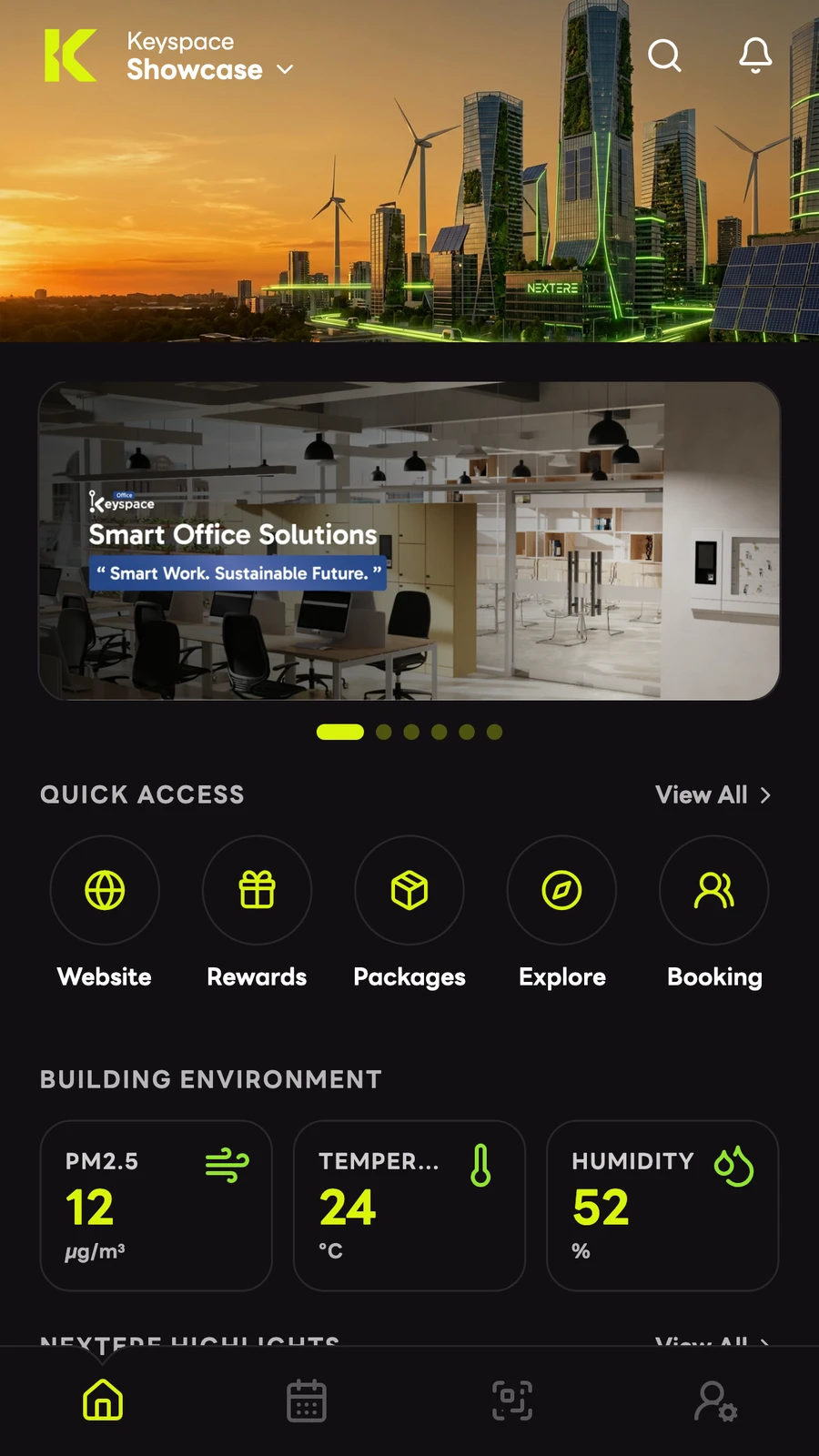
Your building, at a glance.
Bring building news, useful links and everyday information together, in the order that makes sense for your community.
- Catch the latest banner or story
- Jump straight to a useful shortcut
- Find more with articles and search
Choose the banners, shortcuts, articles and widgets people see.
Native QR pass
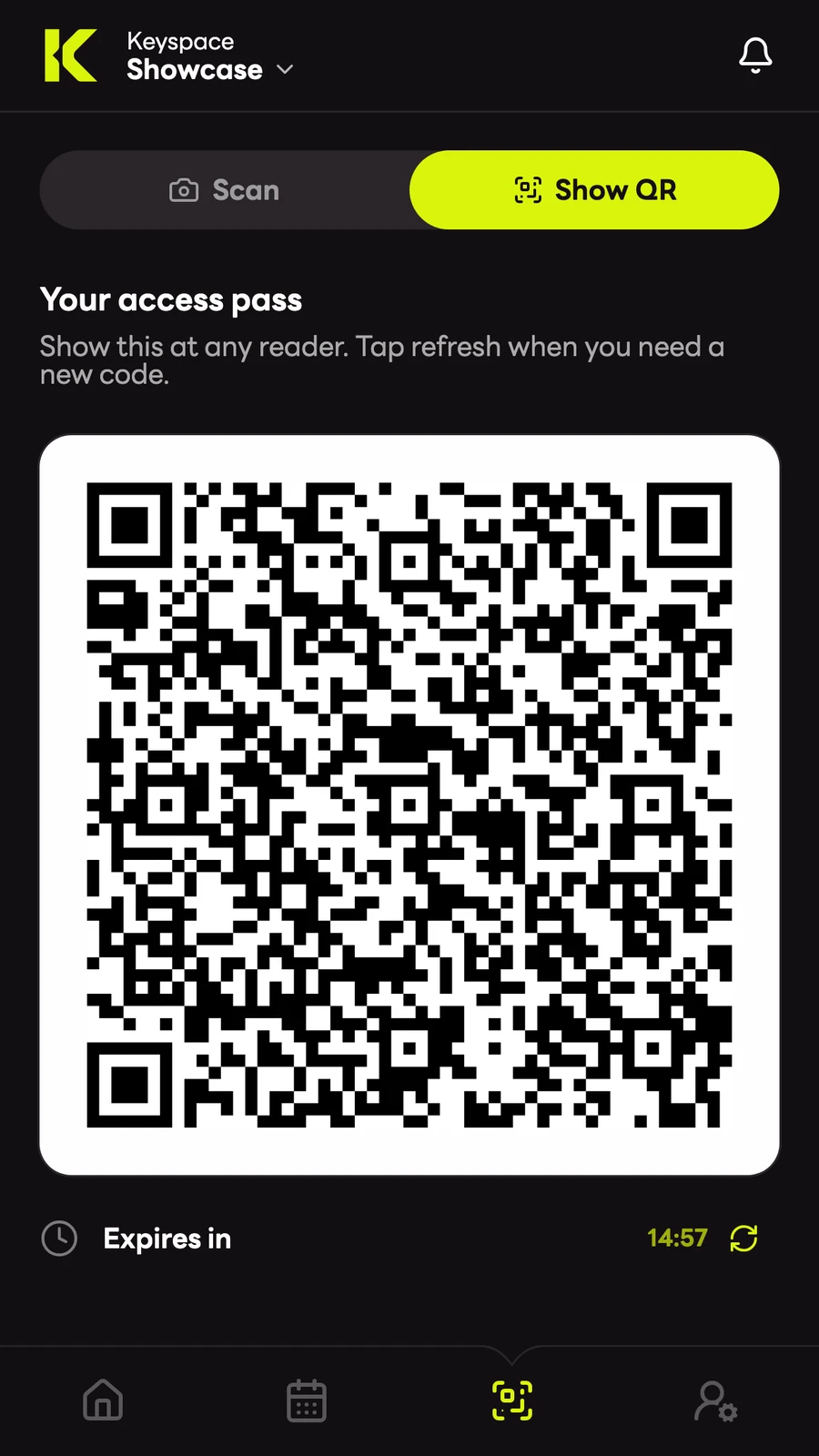
Your access, ready to go.
Open your building’s access experience from your phone. The route can use a configured access page or the App’s native QR tools.
- Choose your building and sign in
- Open Access
- Use the route your building provides
QR passes need a compatible building access system. They are separate from visitor passes.
Find something to book
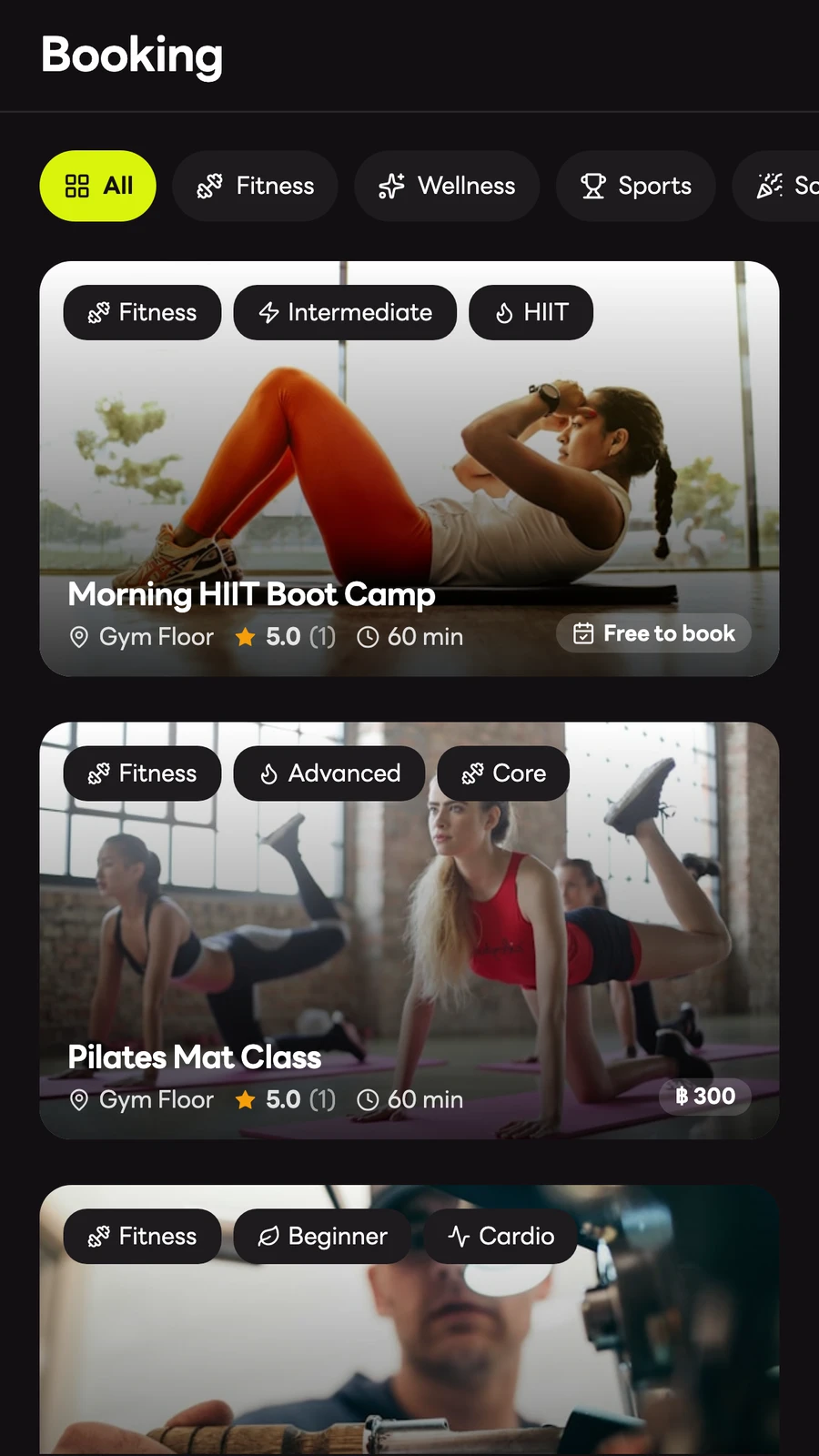
Make it fit your day
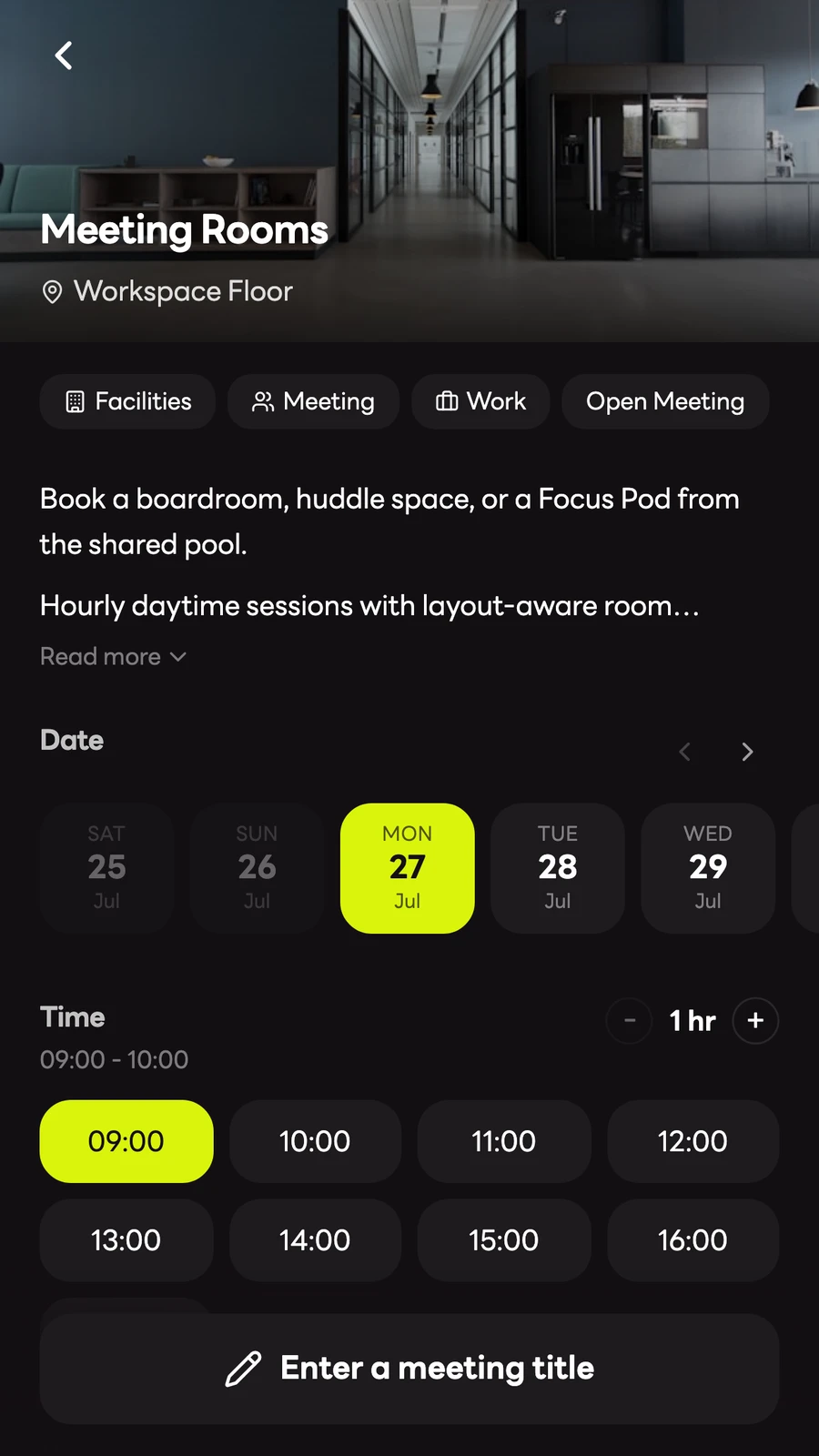
Swipe to see both screens.
Book a room. Join an activity.
Rooms, fitness, wellness, sports, events and storage can share one booking experience, each with its own choices and rules.
- Browse a service or activity
- Choose a date, time and available options
- Review the booking and any payment
Show only the services, options and add-ons you publish.
Your booking list
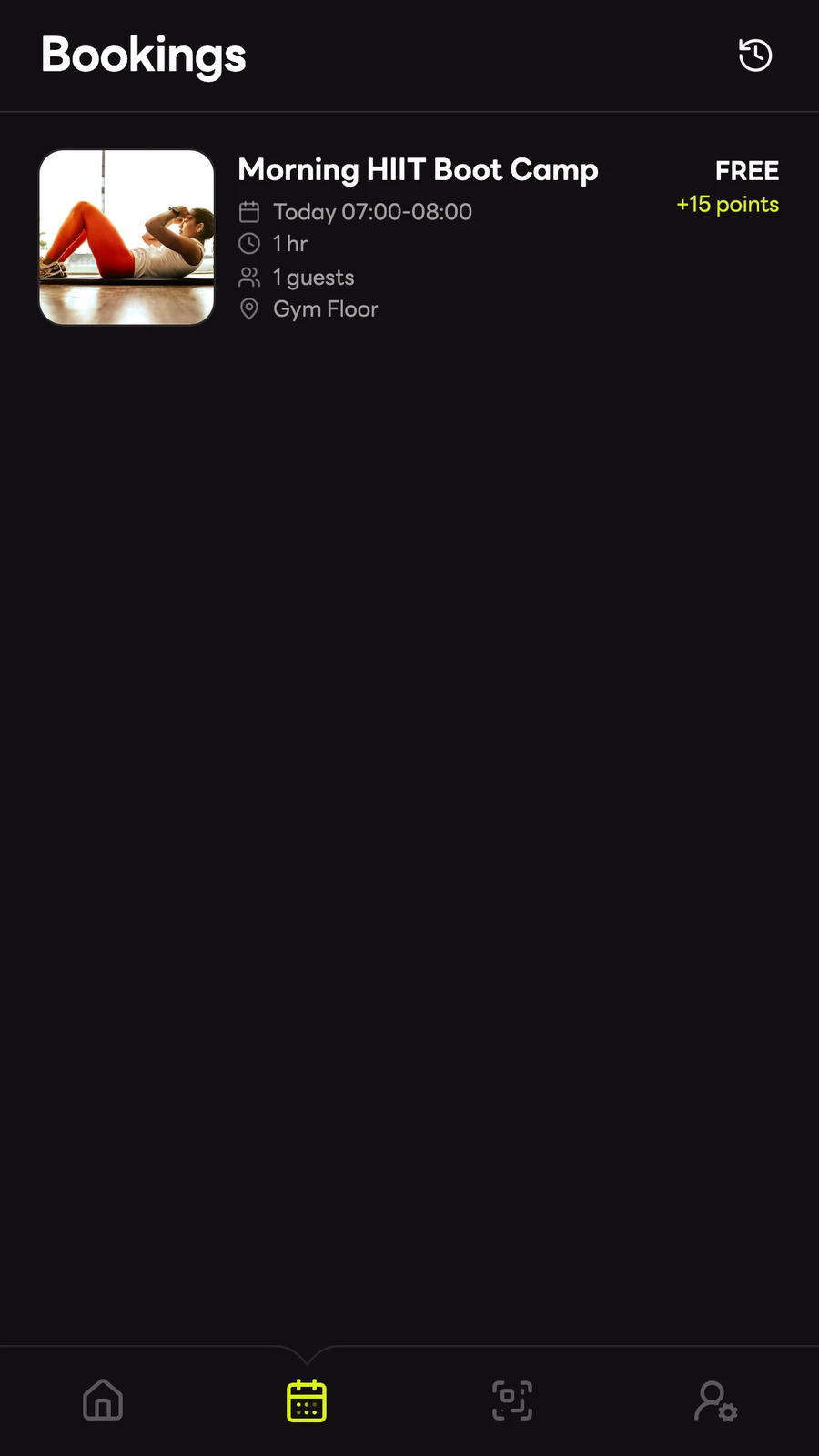
Find your bookings.
Return to your bookings in one familiar place. Open the details to find the next action for that reservation.
- See upcoming and past bookings
- Open the reservation details
- Check in, manage or get help where enabled
Available actions depend on the service. Booking codes do not replace building access passes.
Plans and included benefits
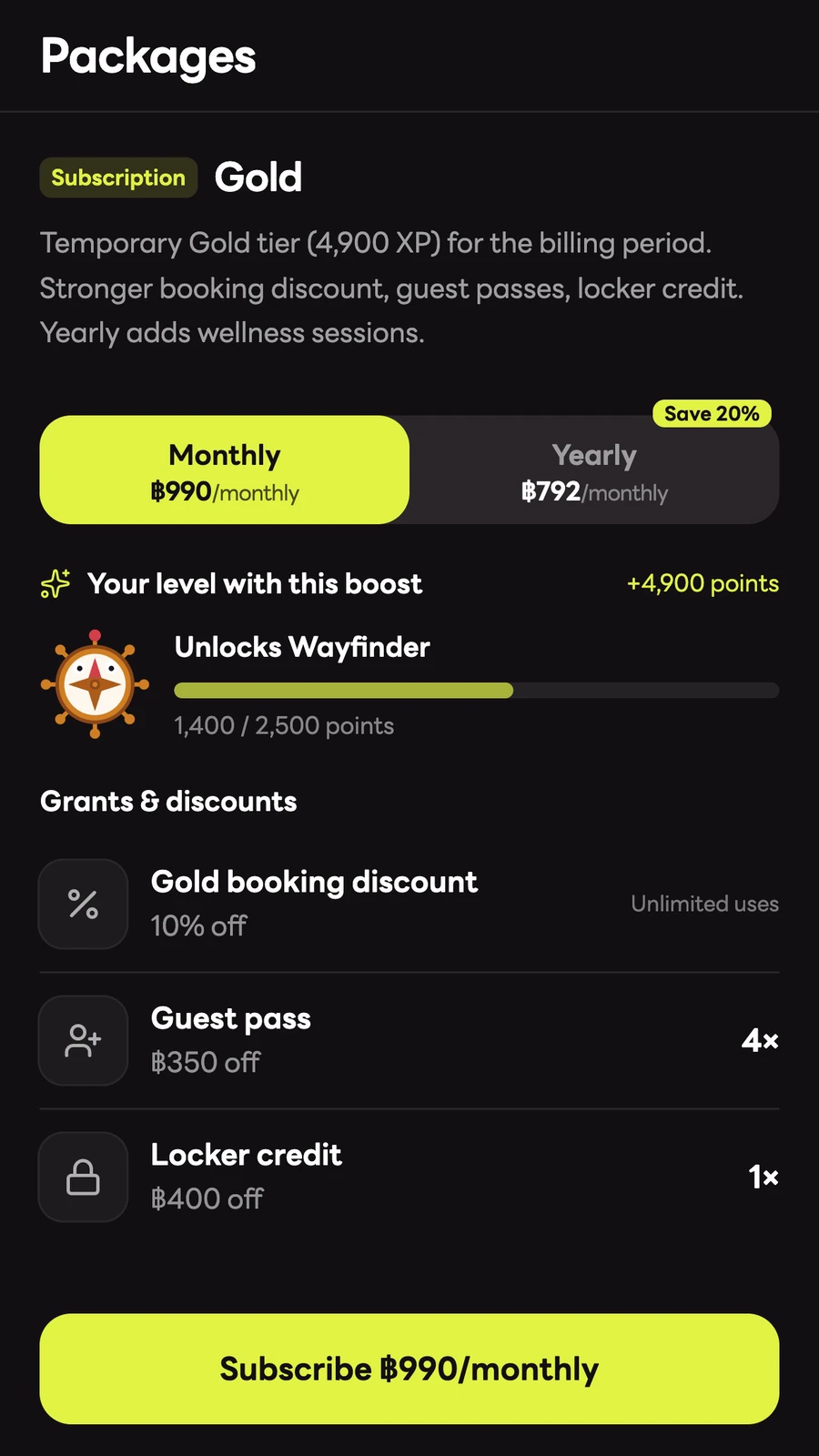
Pick a package that fits.
Offer subscriptions or one-time voucher packs. People can see the plan, included benefits and available discounts before checkout.
- Choose a package
- Compare its plans and benefits
- Use eligible benefits on later bookings
Your project sets the pricing, payment methods and included benefits.
Missions worth exploring
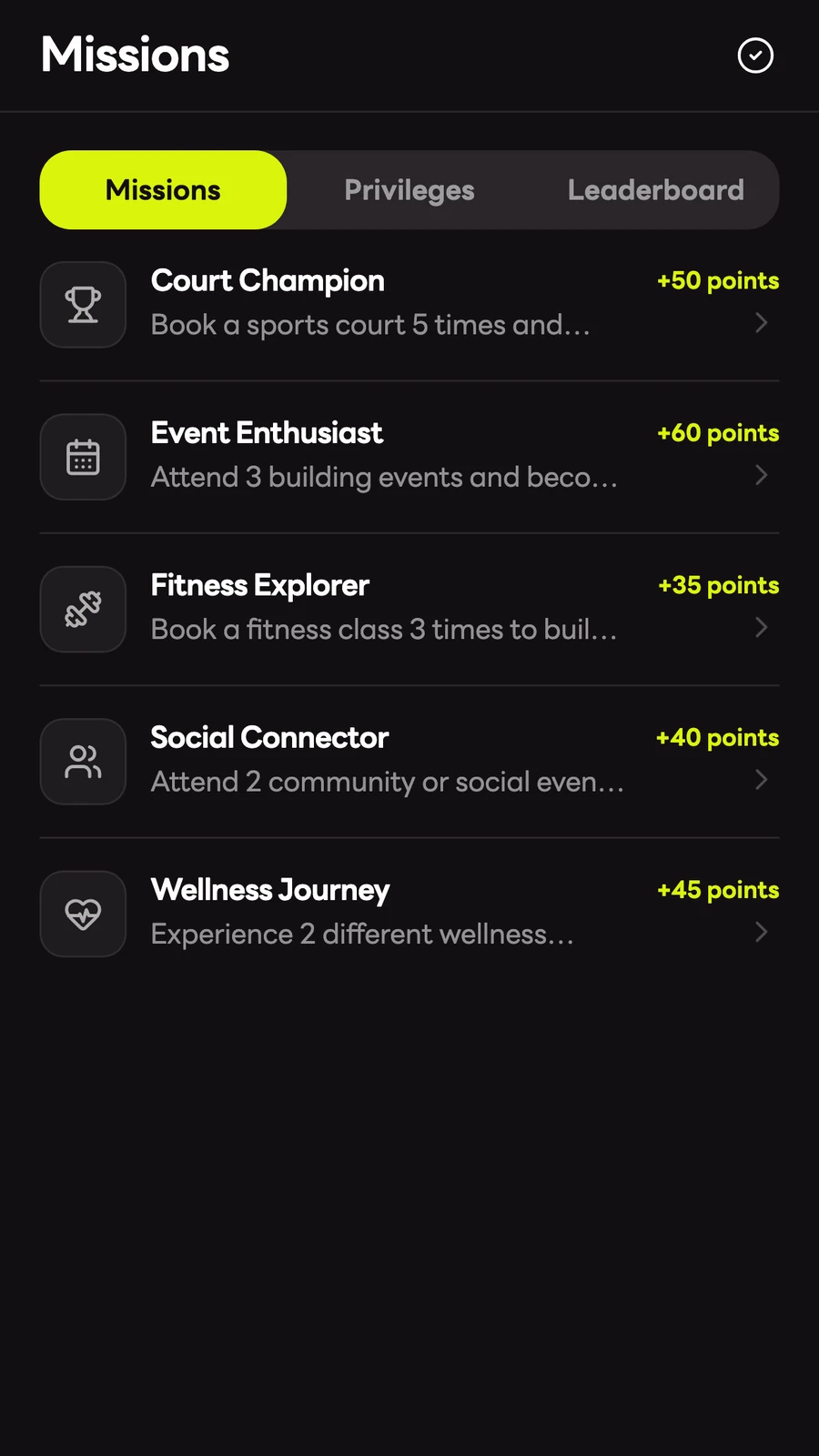
Give people a reason to come back.
Bring missions, points, membership tiers and redeemable privileges into the experience when they fit your community.
- Find a mission that interests you
- Meet its configured requirements
- Explore eligible privileges and tier benefits
Your project sets mission requirements, rewards and eligibility.
A place to start sharing

Make room for your community.
Give people a place to share, discover posts and save things they want to return to.
- Open Explore
- Share a post or join a conversation
- Keep useful items in Interests
Community features are optional.
Help, from the beginning
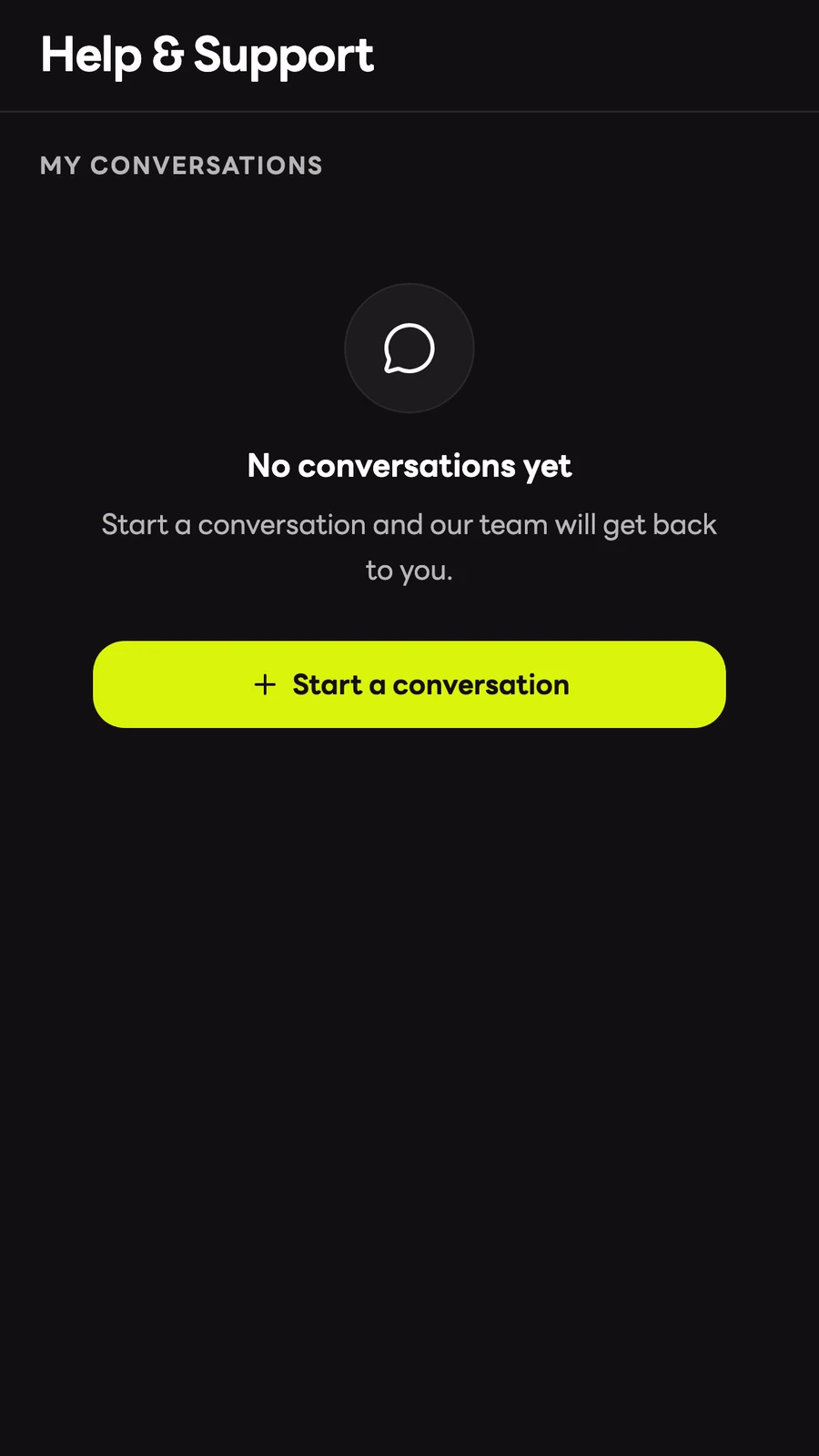
Help is close at hand.
Keep building questions, service issues and follow-up conversations within the App.
- Open Help & Support
- Start a conversation about your issue
- Return to the thread for a reply
Your building sets the support channels and service process.
Start focused.
Grow on your terms.
Start with content and access. Add services and member features when they fit your building.
Make it feel like home.
Choose the stories, shortcuts and everyday information people see first.
Choose what people can do.
Prepare access, services, rules and optional member features for your project.
Walk through it together.
Check the mobile journey, permissions and connected systems before launch.
What should your building’s App do?
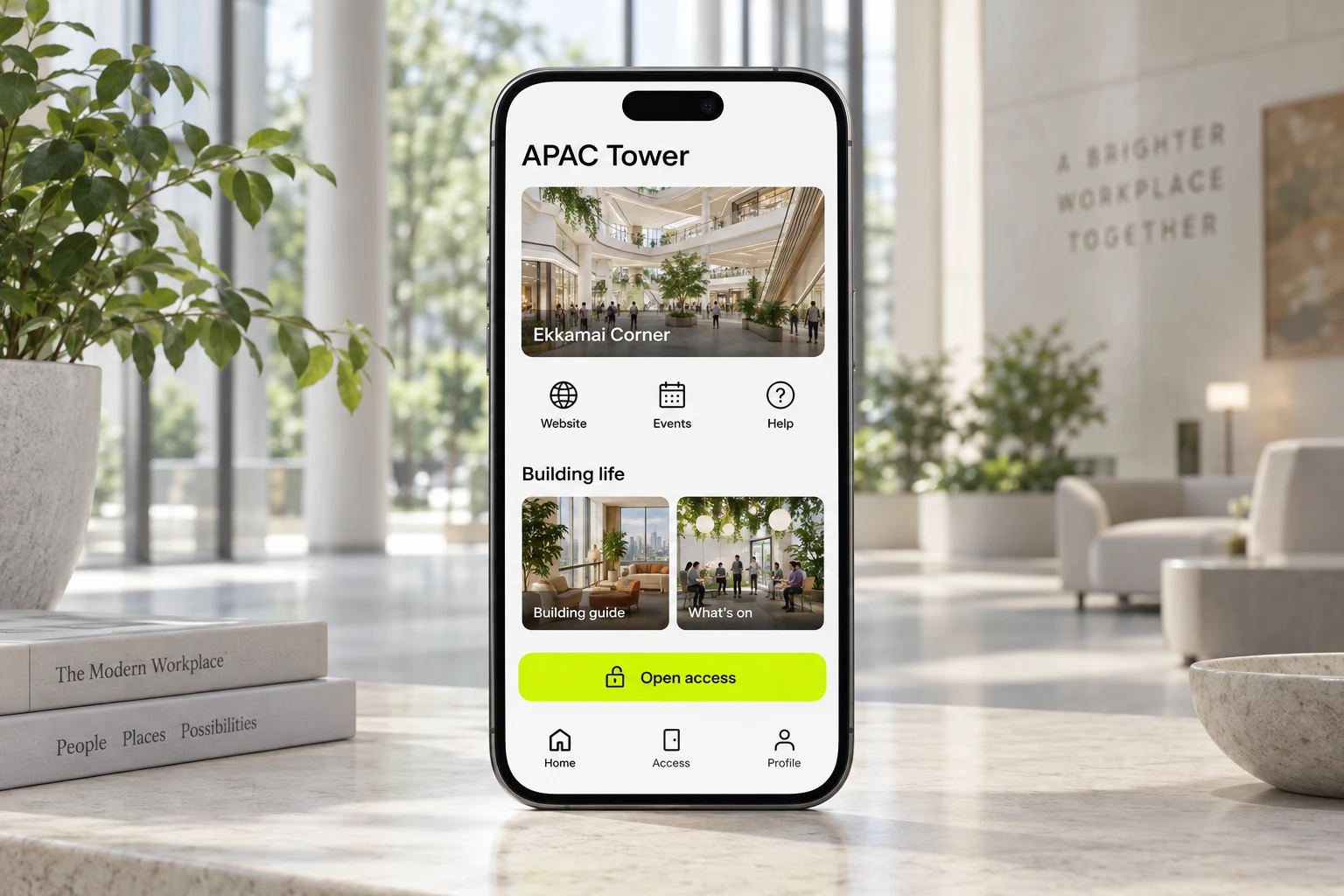
Made for
APAC Tower.
A client App focused on building content and access.
App concept · sample content.
See what’s happening.
Ekkamai Corner highlights, building stories and practical guides in one personal home.
Access, close at hand.
Open the building’s access experience from one familiar place.
Continue your day.
Register for an event, visit the building website or find help.
Your building, on the home screen.
Banners, quick links, retail highlights, articles and free-event cards bring the APAC story together.
Useful context, clearly presented.
Environment widgets can show air quality, temperature and humidity when connected to live data.
Visitors and E-stamp open the APAC website. Event cards open registration; access follows the building’s setup.